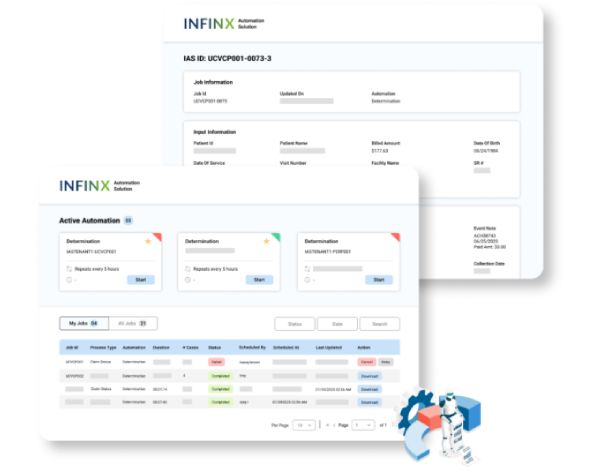
Prior Authorization, Simplified
Automate prior authorization initiation without losing human oversight
Prior authorization initiation automation reduces the repetitive portal work required to start an authorization request. The Infinx Prior Authorization Initiation Agent uses payer and third-party administrator connections to navigate the appropriate workflow, enter available patient and service information, and submit the request according to payer requirements.
Automation varies by payer and workflow. The agent can complete supported steps in the background or act as a copilot, and it pauses for staff review when clinical judgment, missing information, new questions, or other exceptions require human input.
The agent is available as part of Patient Access Plus and works with prior authorization determination, follow-up, analytics, and patient access experts.
HOW WE ENHANCE YOUR PRIOR AUTH WORKFLOW
Initiate prior authorizations without leaving your system
Initiating prior authorizations often means leaving your core system, logging into multiple payer or TPA portals, and manually navigating different workflows. At scale, that extra effort slows teams down and pulls focus away from patients.
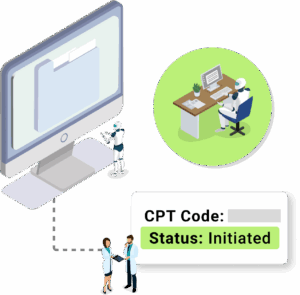
Our Prior Authorization Initiation Agent handles those steps for you. It initiates requests through the appropriate payer or TPA portal while your staff works from a single system.
Automation adapts to each payer. For some, the agent acts as a copilot, supporting staff by completing repetitive portal tasks. For others, it initiates requests automatically in the background. In both cases, staff only step in when review or input is required.
The result is fewer portal logins, less manual work, and a more consistent authorization process across payers.
HOW IT WORKS
Automate routine portal steps and route exceptions for review
Once a prior authorization request is ready, the prior authorization initiation agent takes over the submission process. Here’s how it works:
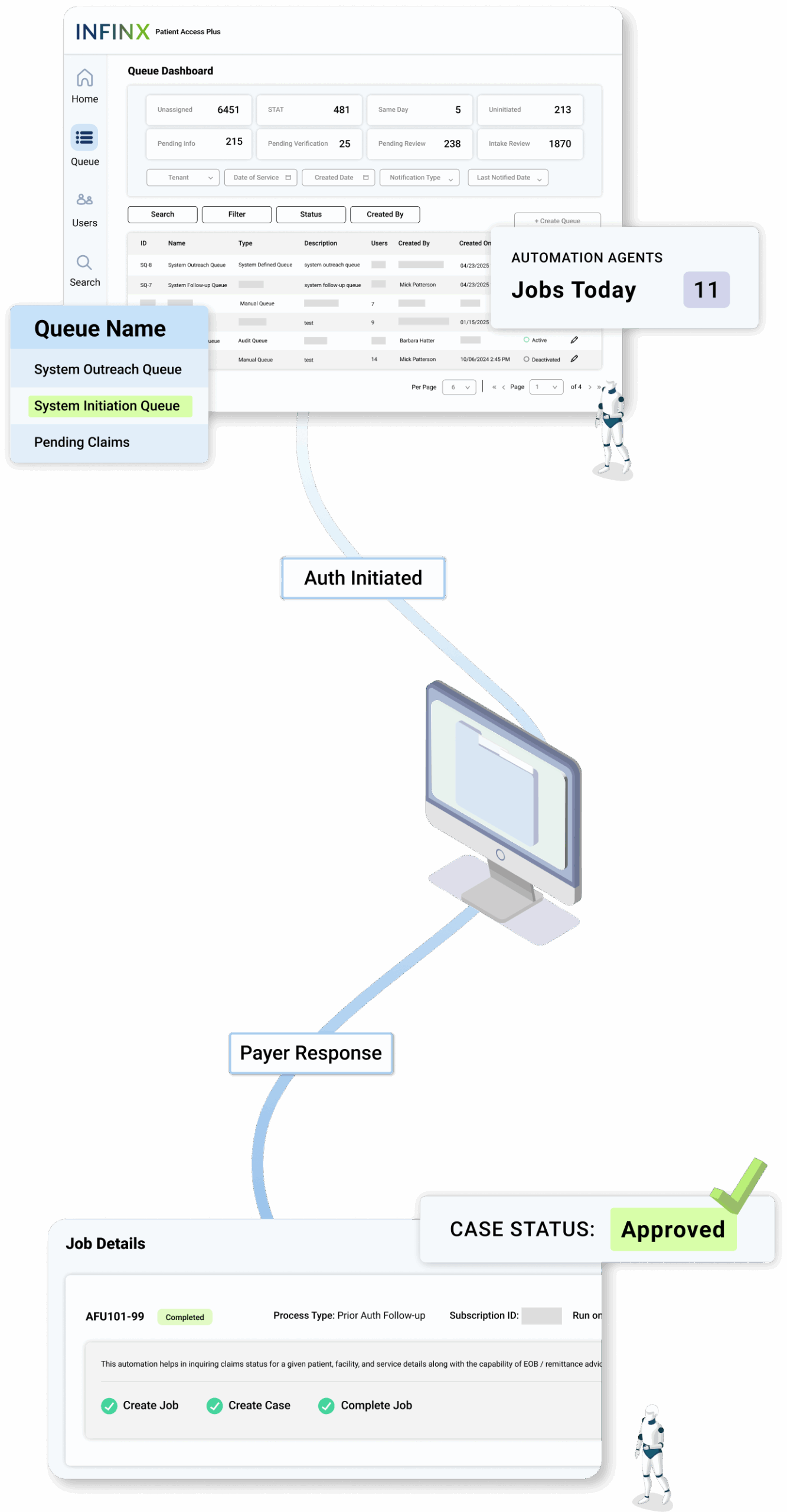
Your system triggers the initiation agent
When an authorization request is created, the initiation agent is automatically triggered. It accesses the appropriate payer or TPA portal and begins entering required patient and service information.
The initiation agent completes portal-based steps
The agent handles the initiation workflow end to end, including logging into the portal, completing forms, entering details, and responding to standard questions based on payer requirements.
Human support only when needed
If the initiation agent encounters a step that requires human judgment, such as specific clinical questions, new questions, or exceptions, the workflow pauses and alerts a user. The user addresses the issue, and the initiation agent continues the process.
Status updates flow back to your system
After submission, the prior authorization follow-up agent captures the authorization status and updates your system, so teams have real-time visibility without manual follow-up.
By automating prior authorization initiation across payer and TPA portals, this approach speeds submissions, reduces errors, and frees staff to focus on higher-value work instead of portal navigation.