
What is AI revenue cycle management?
AI revenue cycle management uses AI agents and automation to reason over workflow context, select next steps, and complete defined revenue cycle tasks across connected systems.
Effective AI RCM also needs controls for exceptions, auditability, and human review. Infinx delivers those capabilities through Healthcare Revenue OS and its Patient Access Plus, Document Capture Plus, and RCM Plus agent suites.
HEALTHCARE REVENUE OS
Built for revenue cycle execution, not AI experiments
Most teams end up on one of four paths: hire more staff, outsource to traditional services, automate with bots that break on exceptions, or add standalone AI tools that suggest actions but do not complete the work.
Infinx delivers AI and automation as part of Healthcare Revenue OS, working with integrations, payer connectivity, workflow orchestration, controls, analytics, and RCM experts to move work from decision to execution.
This AI + automation layer powers our three agent suites, Patient Access Plus, Document Capture Plus, and RCM Plus. Start with a suite for your biggest bottleneck, then add targeted agents as needs evolve.
WHY IT WORKS
Make automation resilient to real-world variability
Revenue work breaks when data is incomplete, rules change, or exceptions stack up. We connect decisioning to execution, so routine work completes, and edge cases move forward with the right context instead of stalling in queues.
What changes when reasoning is connected to execution:
- Next-best action is selected using workflow and payer context
- Routine steps are completed across systems, not handed off
- Exceptions surface early, with clear ownership and priority
The result is fewer manual touches and less rework across the revenue cycle.
Why teams choose Infinx for agents
It is not enough to have AI that can draft or summarize. Revenue teams need capabilities that perform specific skills reliably, inside real workflows, with visibility and accountability. What makes our agents practical in production:
- Agents are designed as skills tied to real workflows
- Execution happens across systems and payer channels, not just recommendations
- Exceptions are surfaced with context, priority, and ownership
- Delivered as suites plus add-ons, so you start fast and expand cleanly
This is why our agents hold up when volume, variability, and timelines are real.
AGENT SUITES
Choose the suite that fits your bottleneck
Each suite bundles the AI and automation needed for a common set of workflows, with the ability to add agents when exceptions or volume demand it.
Patient Access Plus
Automate financial clearance, eligibility, and authorization work, then surface exceptions before they become rework. This suite helps prevent preventable downstream denials and delays.
RCM Plus
Reduce downstream status chasing and follow-up effort with automated execution and prioritized exceptions. This suite keeps follow-up continuous so A/R does not age from stalled work.
Document Capture Plus
Turn faxes, PDFs, and uploads into structured data that routes into the right workflow. This suite converts unstructured intake into clean workflow inputs.
Start with a suite, then expand coverage without changing how you run revenue work.
OUR AGENTS
Skills that remove manual touches
Here are some of our agents built around the skills revenue teams rely on every day, document understanding, payer execution, and continuous follow-up that does not stall.
Document Capture Agent
Extract, classify, and route documents. Pulls key information from inbound documents, classifies the document type, and routes the output into the right workflow so teams stop re-keying data. This turns intake into structured work, automatically.
Claims Status Agent
Retrieve status, interpret responses, update workflows. Automates claim status retrieval across payers, interprets responses, and updates workflows so teams do not spend hours chasing portal updates. This reduces aging risk by keeping follow-up continuous.
Auth Follow-up Agent
Track, escalate, and prevent missed authorizations. Monitors authorization status across channels, escalates when timelines slip, and keeps downstream work aligned to what is approved and when. This helps prevent authorization delays from turning into denials or reschedules.
Medical Necessity Copilot
Apply payer policy logic to reduce preventable denials. Flags documentation gaps and medical necessity risk earlier by applying payer policy criteria to the clinical context for targeted review. This helps reduce avoidable denials tied to missing or misaligned documentation.
The three agent suites are the fastest way to start. When you want to extend coverage, use our agent catalog to browse add-on agents and copilots by workflow, from patient access to document capture to downstream RCM.
HOW TEAMS START
Standardize one workflow, then expand coverage
Most teams begin with a single workflow where manual touches are highest and outcomes are measurable. Once the baseline is live, expanding is a matter of adding suites or agents, not rebuilding your operating model.
A typical adoption path looks like this:
- Start with one suite aligned to your bottleneck
- Add agents to extend coverage across adjacent work
- Scale with shared workflows, reporting, and controls
Best fit for teams with high manual touch volume, multiple payer channels, and frequent exception work.
Start small, prove value quickly, then scale what works.
INTEGRATIONS
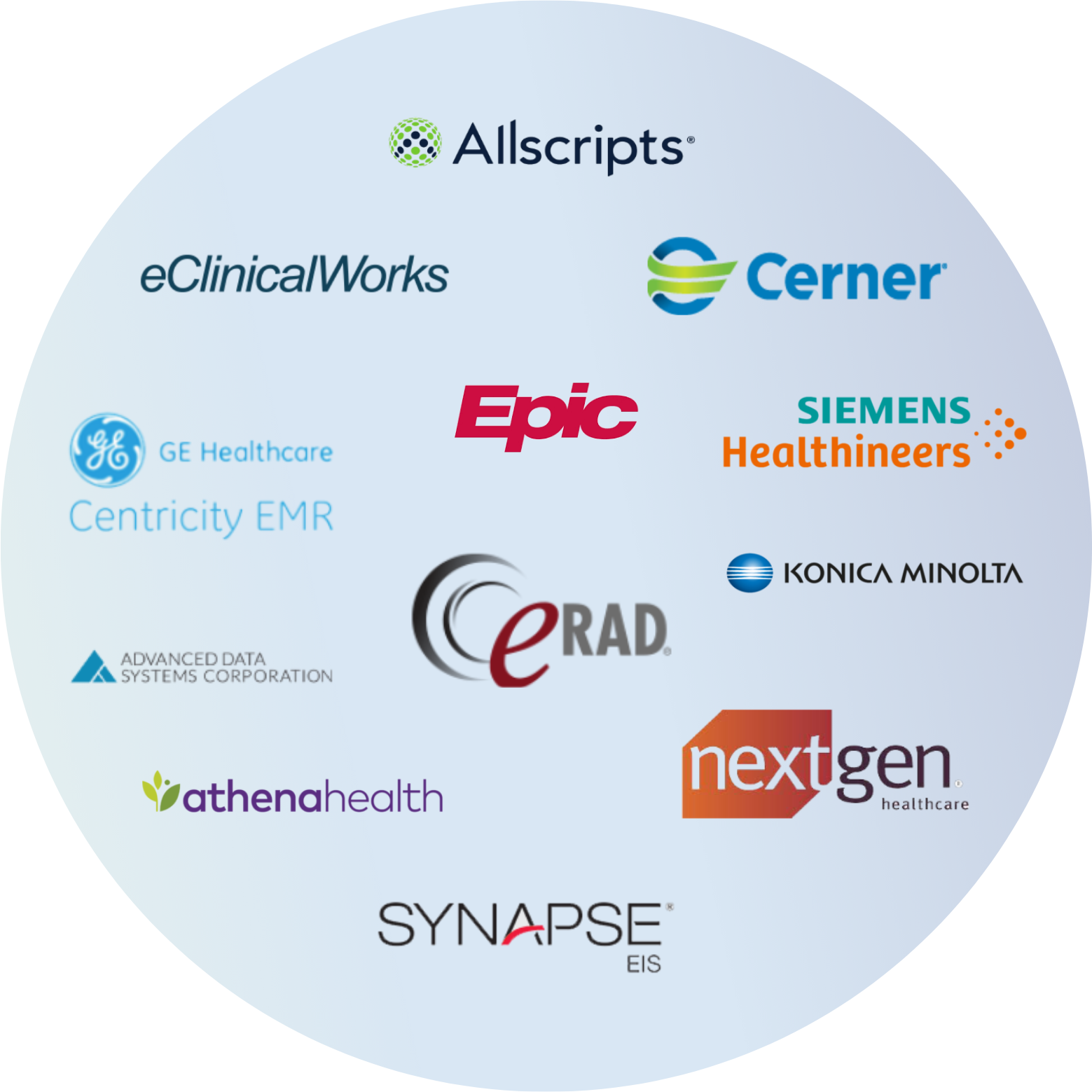
Connect with your EHR and billing systems
Integrate through HL7, FHIR, APIs, and RPA where needed, then write updates back so teams do not rekey or chase status across portals. HIPAA-aligned controls support BAA, encryption, role-based access, and audit logging.
Integration is how automation becomes operational, not extra work.
Faq
Answers to common questions about our agents
If you are trying to reduce manual touches, keep work moving through exceptions, and scale without adding headcount, these are the questions we hear most often.
Put AI and automation to work for RCM
If you want AI that can decide the next step and automation that completes it, start with the Agent Suite that matches your highest-friction workflow. Most teams begin with one area, then expand quickly once exception handling, routing, and integrations are in place.